Personal is private
Every user has a Personal space first. Your private calendar, plans, reminders, and records stay yours. You are never required to create or join a household to use Homefold.
Family Operating System · Public beta now open
Homefold is built around Home. Start with a private Personal space, create or join a Home to coordinate calendars, tasks, documents, and reminders, and share Public Events with people outside your household — by link, QR code, or invite code.
Public beta now available via TestFlight. Homefold is the registered business name of ALPHRIZE LABS PTY LTD, built for individuals, couples, and families who want less household chaos, fewer reminders, and one shared source of truth.
What Homefold is for
Homefold is not a social network, a school portal, or a generic electronic calendar. It is a life-organization workspace with clear boundaries between what is private, what your household shares, and what you open up to others.
Every user has a Personal space first. Your private calendar, plans, reminders, and records stay yours. You are never required to create or join a household to use Homefold.
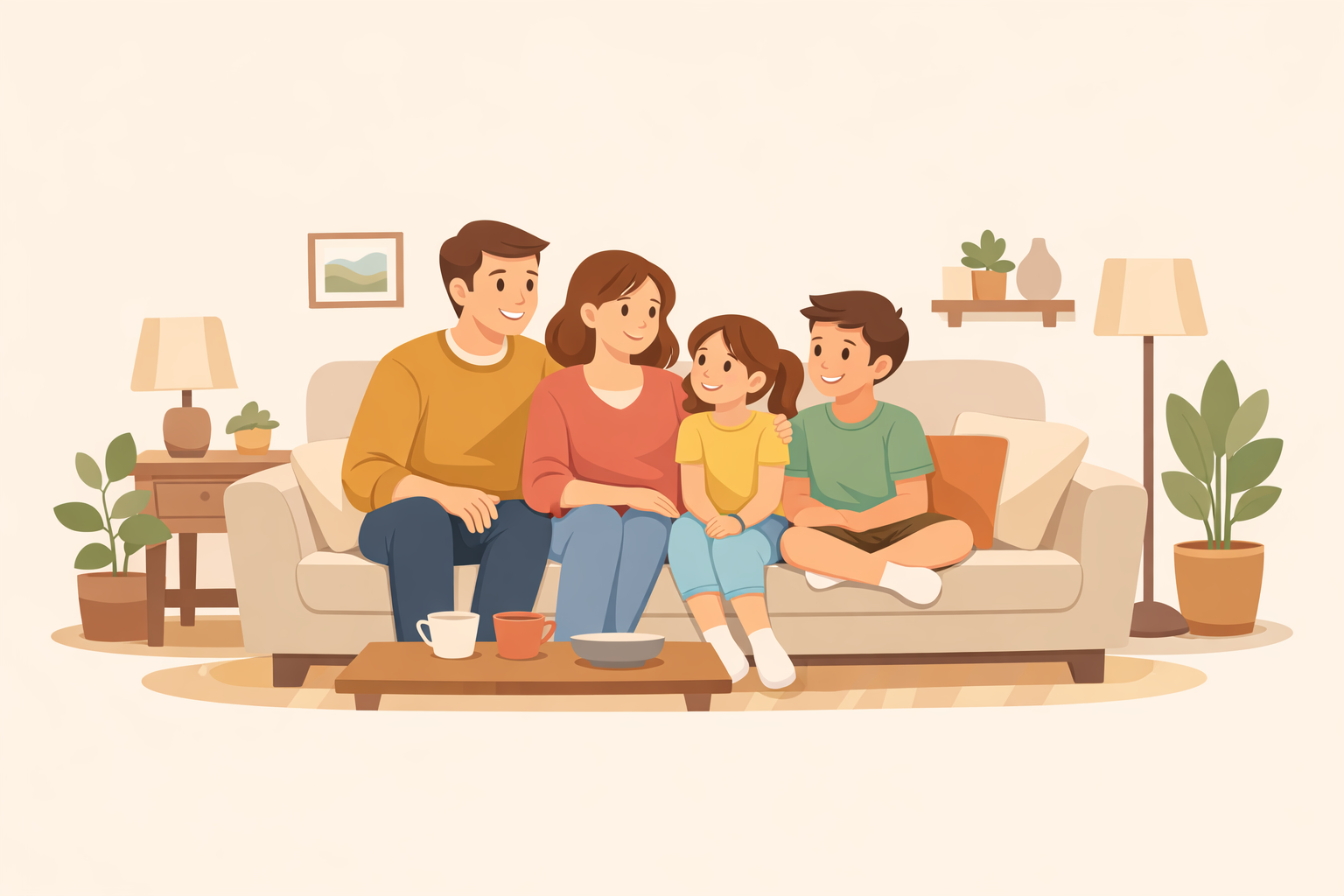
A Home is the shared unit of daily life. Create your own or join an existing Home by invite. Members share a calendar, tasks, and a family inbox for notices, files, and household paperwork.
Turn a get-together, game, or activity into a Public Event and invite people beyond your household. They join by link, QR code, or invite code — no more scattered chats.
Home, not just Family
Homefold does not decide you have a household only when you have children. A Home works whether you live alone, with a partner, or with a growing family.
Living on your own is a Home too. Keep your household calendar, tasks, and notices organized without being pushed into a family setup.
Two people, no children, still share plans, bills, and coordination. A Couple Home gives partners one shared view of household life.
When a household includes children or people you care for, a Family Home adds shared coordination so guardians can manage household life together.
How it works
01
Sign in and get a private Personal space. Add plans and records that stay only yours.
02
Set up a solo, couple, or family Home — or join one by invite link, QR code, or invite code.
03
Share a calendar and tasks, and turn school notices, files, and messages into organized household records.
04
Invite people outside your home to an event. They join by link or QR and it lands on their calendar.
Homefold services
Homefold combines private Personal organization, shared Home coordination, Family and kids planning, a family inbox for documents and notices, and Public Events for external activities. These services help search engines and AI answer tools understand Homefold as a Family Operating System and household command center, not a generic calendar or social network.
Keep personal calendars, reminders, plans, and records private until you decide to share something into a Home or Public Event.
Run a Solo Home, Couple Home, or Family Home with shared calendars, household tasks, school activities, documents, and guardian collaboration.
Create shared activities with an invite link, QR code, or invite code so people beyond your Home can join and keep the event organized.
Privacy posture
Personal content is private by default. Home content is visible to the members of that Home. Public Events are shared only with the people you invite. We explain what data is collected, how Public Event content is moderated, how account deletion works, and how to contact us for support or privacy requests.